
Three tracks · hands-on labs · role-based
Online IT courses · Cybersecurity · DevOps · AI
Three tracks · hands-on labs · role-based
Each track is built around a different day-one job. Read the target role first, then decide which one fits the work you actually want to do. You can switch later, but starting narrow keeps the first weeks useful.
Target role
SOC analyst
Start with how networks and systems are supposed to behave, then learn to read alerts, document findings, and hand a clean case to the next analyst. Labs run in browser-based environments, so you practise triage and reporting the way a junior analyst would, without needing your own lab at home.
Target role
Cloud engineer
Learn how code gets from a laptop to a running service: version control, containers, pipelines, infrastructure as code, and the monitoring that tells you something broke. Every module ends with a small deployment you can describe in an interview, not a quiz you forget the next morning.
Target role
ML engineer
Cover the working side of machine learning: preparing data, training and evaluating a model, then shipping and monitoring it like any other service. The labs focus on the parts teams actually argue about — data quality, evaluation, and what happens after a model goes live.
What a week looks like
Each week opens with a short lesson on the concept behind the task, then moves into a guided lab where you build the thing yourself. Most learners spend four to six hours a week; some sprint a whole track in a month, most spread it across two to three. There are no live class times to miss — the lessons and labs sit online, and you work through them when it suits your schedule.
Feedback comes from the lab checks and from reviewing your own written notes against the model solution. If something doesn't behave the way you expected, that is the point of the exercise — the troubleshooting is where most of the learning sits.
Infrastructure, not slideshows
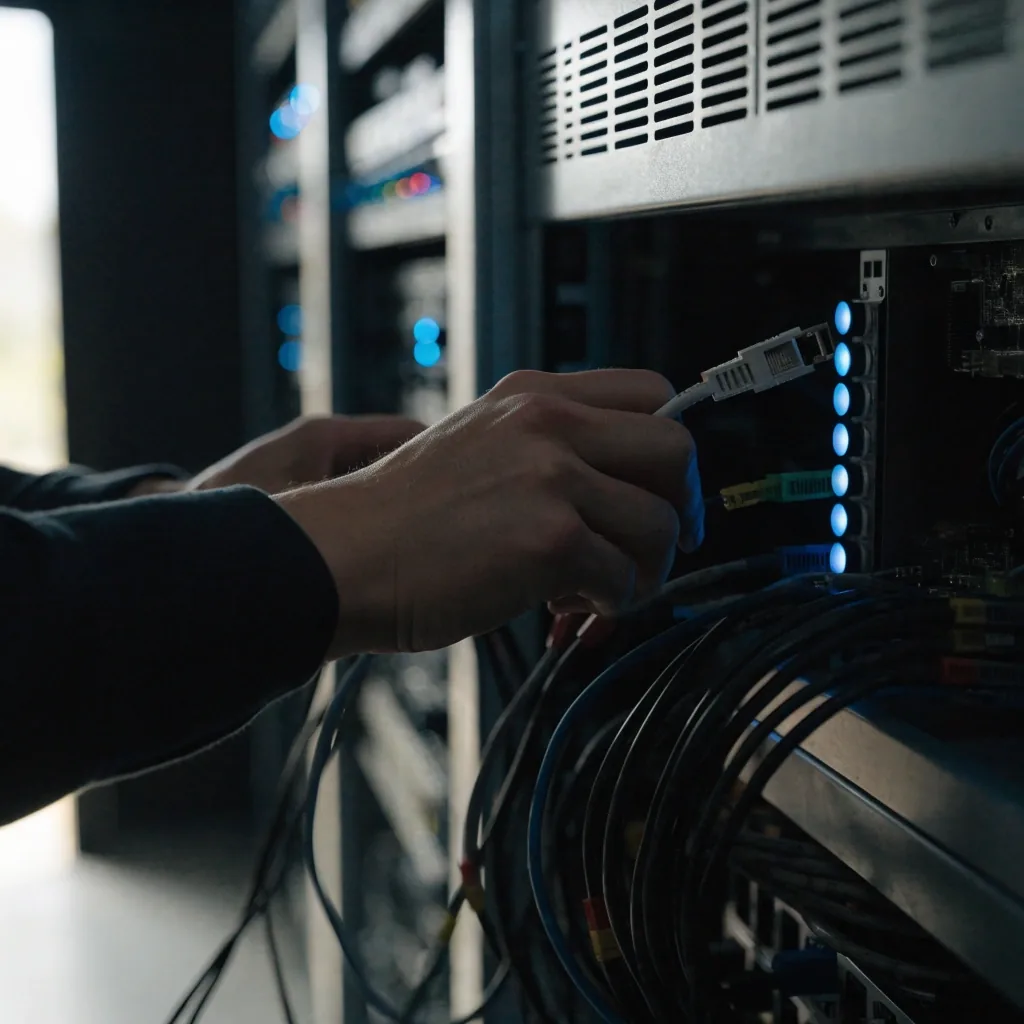
The labs run inside your browser, so you do not have to configure a virtual machine or buy hardware before your first lesson. That matters most for people switching careers on a laptop after work. You get a real environment, a task that has to actually run, and a clear signal when it does.
Some labs work on shared cloud sandboxes; others build on your own machine once you are comfortable. Every track spells out which is which before you enrol, so nothing shows up unannounced halfway through a module.
How our courses are builtThree things come out of a completed track: the skills you practised, the projects you can show, and a certificate that records what you covered. The certificate is evidence of coursework — it is not a professional certification, and no course can promise a job at the end.
Skills
Practised, not skimmed
Every concept is applied at least once in a lab. You finish knowing which commands, configs or pipelines you have actually run.
Portfolio
Projects you can describe
Each track ends with a small build you can walk an interviewer through — what you made, what broke, and how you fixed it.
Certificate
A record of coursework
Issued when you complete the track, listing the modules you covered. It documents your work here; it does not replace a vendor certification.
Before you pick
Most people arrive with a vague goal — "get into IT" — and no sense of which part. That is normal. The three tracks split along a simple line: do you want to defend systems, run the platforms that serve them, or build the models that sit on top of both?
If you enjoy puzzles and reading logs, start with cybersecurity. If you like making things repeatable and automated, DevOps suits you. If you are curious about how data turns into predictions, go with AI and MLOps. You can switch tracks later — a few of the early modules overlap — but starting narrow keeps your first month focused.
No prior IT job is required. Comfort with a computer is enough to begin. If you have never opened a terminal, the first weeks will feel slower — that is expected, not a sign you picked wrong.

No prior IT job needed
Prepare before week one
If your question is not here, the contact page has our working hours and a way to reach us directly.
No. Comfort with a computer is enough. If you have never used a terminal, the first weeks will feel slower, and the course expects that. The cybersecurity track is the most entry-friendly starting point for people without a technical job today.
Four to six hours a week is realistic for most learners working around a job. The lessons and labs are self-paced, so a busy week just pushes the schedule rather than costing you a class. Learners who block two evenings a week tend to finish faster than those who wait for a free weekend.
Yes. Several early modules overlap between tracks, so switching in the first weeks keeps most of your progress. If you switch later, the labs you already completed still count toward your notes and portfolio, even when the certificate is issued for the new track.
We do not promise employment, and no course should. What the track gives you is the practised skill, a project you can talk through, and a certificate that records the modules you finished. What you do with them — applications, further certification, a portfolio site — is up to you, and we try to give you honest guidance along the way.
A laptop made in the last five or six years and a stable internet connection cover nearly every lab. Most exercises run inside your browser. A handful of later labs ask you to install software locally, and each track tells you that before you reach it.

Ready when you are
Browse the full course tracks to compare module counts, lab formats and target roles side by side. If you would rather talk it through first, contact us during working hours and we will point you at the closest fit for your background.
452 Tech Plaza, Suite 300, San Francisco, CA 94105
Monday to Friday, 9:00 AM – 6:00 PM